mirror of
https://github.com/rabbibotton/clog.git
synced 2025-12-05 18:20:36 -08:00

301 lines
10 KiB
Markdown
Vendored
301 lines
10 KiB
Markdown
Vendored
# CLOG - The Common Lisp Omnificent GUI
|
|
|
|
## David Botton <david@botton.com>
|
|
|
|
### License BSD 3-Clause License
|
|
|
|
- [Learn to program Common Lisp and CLOG here - LEARN.md](LEARN.md)
|
|
|
|
---
|
|
|
|

|
|
|
|
The Common Lisp Omnificent GUI, CLOG for short, uses web technology to
|
|
produce graphical user interfaces for applications locally or remotely.
|
|
CLOG can take the place, or work alongside, most cross-platform GUI
|
|
frameworks and website frameworks. The CLOG package starts up the
|
|
connectivity to the browser or other websocket client (often a browser
|
|
embedded in a native application.)
|
|
|
|
- [CLOG - Reference Manual](https://rabbibotton.github.io/clog/clog-manual.html)
|
|
|
|
STATUS: CLOG and CLOG Builder 2.0 released. CLOG API Stable 4 years
|
|
|
|
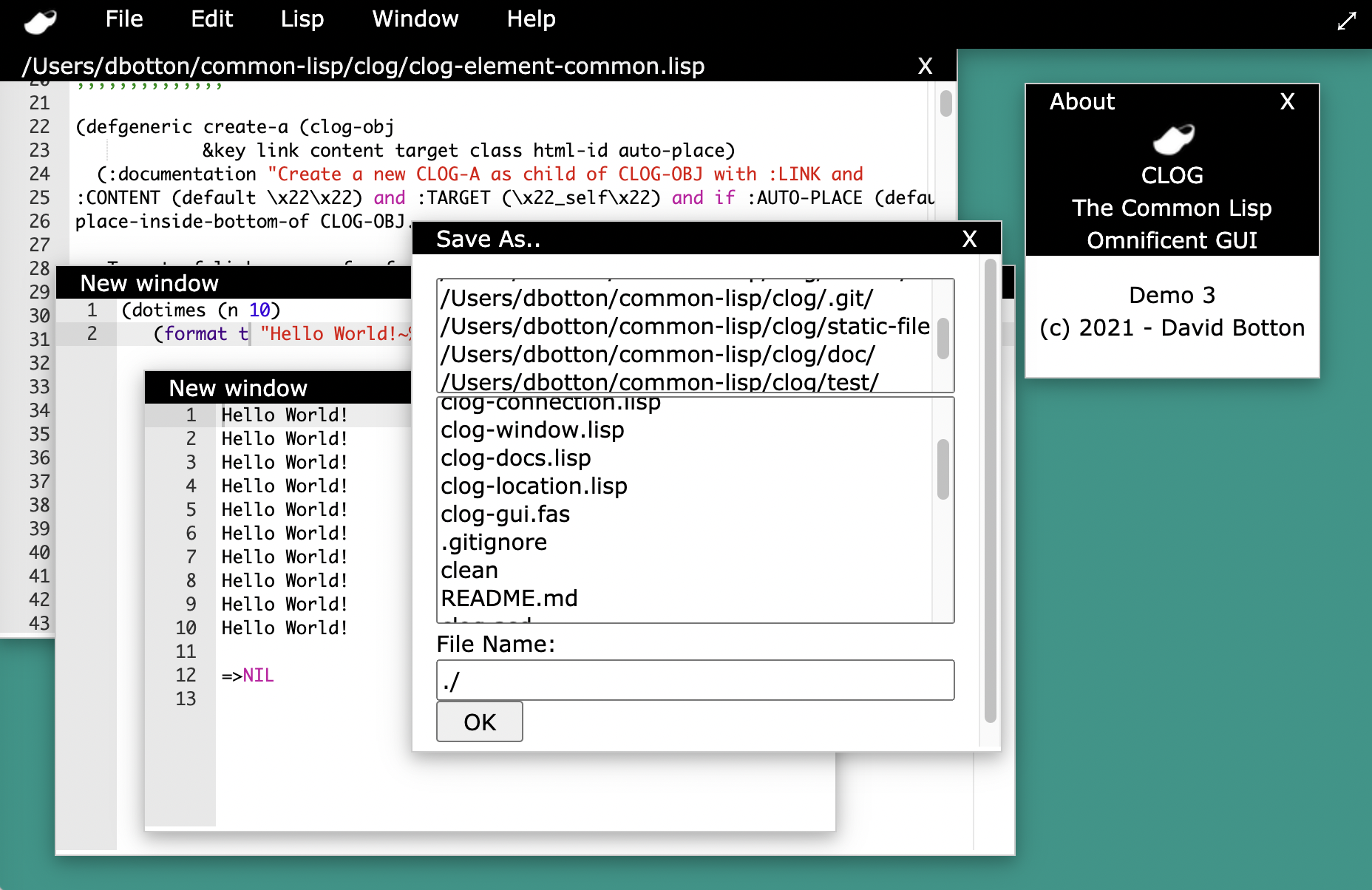
The CLOG Builder is in 100% portable Common Lisp using the CLOG Framework.
|
|
|
|
CLOG tech was invented (first in Ada) and has been running in commercial
|
|
production code and productss since 2013 and in Common Lisp since 2022. CLOG
|
|
is used in commerical products, websites, and other opensource projects.
|
|
|
|
CLOG is being actively extended, however the core API is stable and proven,
|
|
the CLOG Builder is rich in features and is a full featured IDE for Common Lisp
|
|
and web development and includes a GUI Builder for the CLOG Framework.
|
|
|
|
Check the github discussion boards for the latest on the project and support.
|
|
|
|
Consider sponsoring work on CLOG at https://github.com/sponsors/rabbibotton
|
|
|
|
Some potential applications for CLOG:
|
|
|
|
* Cross-platform GUIs and Reports
|
|
* Secure websites and complex interactive web applications
|
|
* Desktop buisiness software (CLOG Runs native on Windows, Mac and Linux)
|
|
* Mobile software (CLOG Runs native on Android and iOS)
|
|
* Massive multiplayer online games
|
|
* Monitoring software for embedded systems
|
|
* A fun way to teach programming and advanced multi-tasking
|
|
parallel programming techniques. (CLOG is a parallel GUI)
|
|
* And the list goes on
|
|
|
|
The key to CLOG is the relationship it forms with a browser window
|
|
or browser control compiled to native code. CLOG uses websockets
|
|
for communications and the browser to render a GUI that maintains
|
|
an active soft realtime connection. For most CLOG applications all
|
|
programming logic, events and decisions are done on the server
|
|
which can be local, or remote over the web.
|
|
|
|
CLOG is developed with ECL, CCL and SBCL, it is tested fairly
|
|
regulary on Linux, Windows, Android, Rasperry Pi, and Mac. It
|
|
is also know to work with the commercial Common Lisps as well.
|
|
|
|
To install CLOG - install Common Lisp:
|
|
|
|
* [Install Common-Lisp for MacOS](MACOS.md)
|
|
* [Install Common-Lisp for Linux](LINUX.md)
|
|
* [Install Common-Lisp For Android (Termux)](ANDROID-TERMUX.md)
|
|
* [Install Common-Lisp for Win64](WINDOWS.md)
|
|
|
|
For **Windows** users there is an easy install for full CL and CLOG -
|
|
https://github.com/rabbibotton/clog-win64-ez/releases
|
|
Unzip, double click setup.bat and then drag the resulting builder.exe to your
|
|
application bar or double click. Update regularly by running update.bat
|
|
If you change directories you need to run make.bat or update.bat
|
|
You can also run frame.bat to produce a version of builder that does not use
|
|
the browser.
|
|
|
|
CLOG v1 is in QuickLisp (ql:quickload :clog), therefore one should
|
|
add the UltraLisp distribution to use CLOG v2
|
|
(alternatively use git or https://github.com/ocicl/ocicl)
|
|
|
|
To add UltraLisp to QuickLisp:
|
|
|
|
```
|
|
(ql-dist:install-dist "http://dist.ultralisp.org/"
|
|
:prompt nil)
|
|
```
|
|
|
|
You still need to update often the UltraLisp and QuickLisp distros with:
|
|
|
|
```
|
|
(ql:update-all-dists)
|
|
```
|
|
If using the CLOG Builder Options -> Update CLOG Builder will do this for you.
|
|
|
|
|
|
To get started load CLOG and then can load and run the builder:
|
|
|
|
```
|
|
(ql:quickload :clog/tools)
|
|
(clog-tools:clog-builder)
|
|
|
|
```
|
|
|
|
You can also just run from the command line run-builder or run-builder.bat
|
|
|
|
To use the git versions CLOG, place git clone into ~/common-lisp or
|
|
a findable source directory, i.e.
|
|
[ ``(push #P"path/to/dir/of/projects" ql:*local-project-directories*)`` ]
|
|
|
|
For git (you also need the clog builder plugins clog-ace and clog-terminal
|
|
for the builder or use the UltraLisp versions):
|
|
|
|
```
|
|
cd ~/common-lisp
|
|
git clone https://github.com/rabbibotton/clog.git
|
|
git clone https://github.com/rabbibotton/clog-ace.git
|
|
git clone https://github.com/rabbibotton/clog-terminal.git
|
|
```
|
|
|
|
Update git clones with:
|
|
|
|
```
|
|
git pull
|
|
```
|
|
|
|
|
|
1. Start emacs then M-x slime (or just run sbcl at the command line or use the
|
|
CLOG Buider REPL Tools -> CLOG Builder Repl)
|
|
2. In the REPL, run:
|
|
|
|
```
|
|
CL-USER> (ql:quickload :clog) ; if not already loaded
|
|
CL-USER> (clog:run-tutorial 1)
|
|
```
|
|
|
|
Tip for Windows WSL linux user. Install "sudo apt install xdg-utils wslu" to
|
|
install xdg-open so that run-tutorial uses the windows browser.
|
|
|
|
To see where the source, tutorial and demo files are:
|
|
|
|
```
|
|
CL-USER> (clog:clog-install-dir)
|
|
```
|
|
|
|
You can the run the demos with:
|
|
|
|
```
|
|
CL-USER> (clog:run-demo 1)
|
|
```
|
|
|
|
The CLOG Builder tool can be run with:
|
|
|
|
```
|
|
CL-USER> (ql:quickload :clog/tools)
|
|
CL-USER> (clog-tools:clog-builder)
|
|
```
|
|
|
|
You can also open a "clog-repl" browser window to play
|
|
from the common-lisp repl:
|
|
|
|
```
|
|
CL-USER> (in-package clog-user)
|
|
CLOG-USER> (clog-repl)
|
|
CLOG-USER> (setf (background-color *body*) "beige")
|
|
CLOG-USER> (create-div *body* :content "Hello World!")
|
|
```
|
|
|
|
The clog-repl URL is http://127.0.0.1:8080/repl ``*body*`` will always refer
|
|
to the last access of that URL.
|
|
|
|
To open a browser with the CLOG manual (or in the builder it is under Help):
|
|
|
|
```
|
|
CL-USER> (clog:open-manual)
|
|
```
|
|
|
|
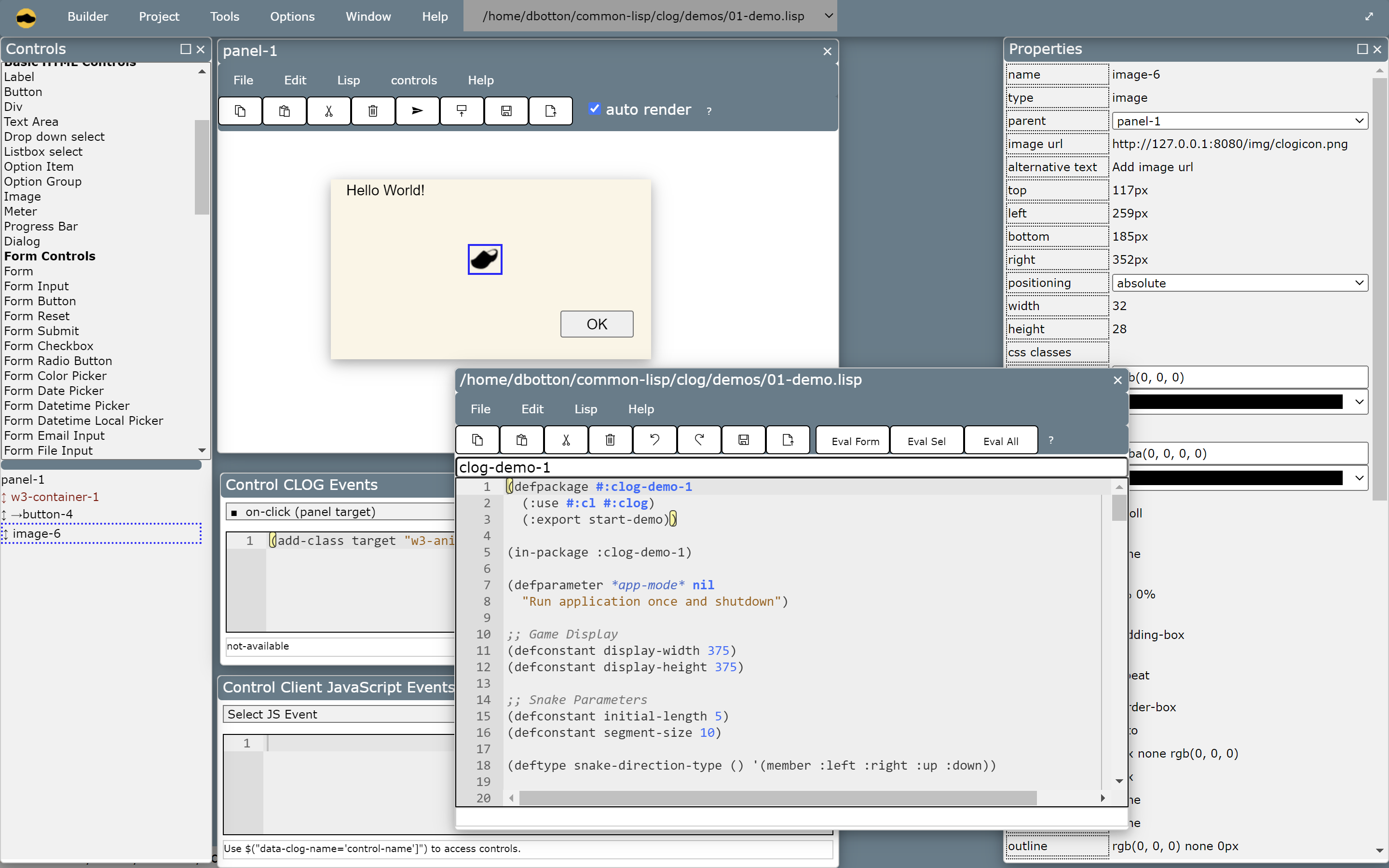
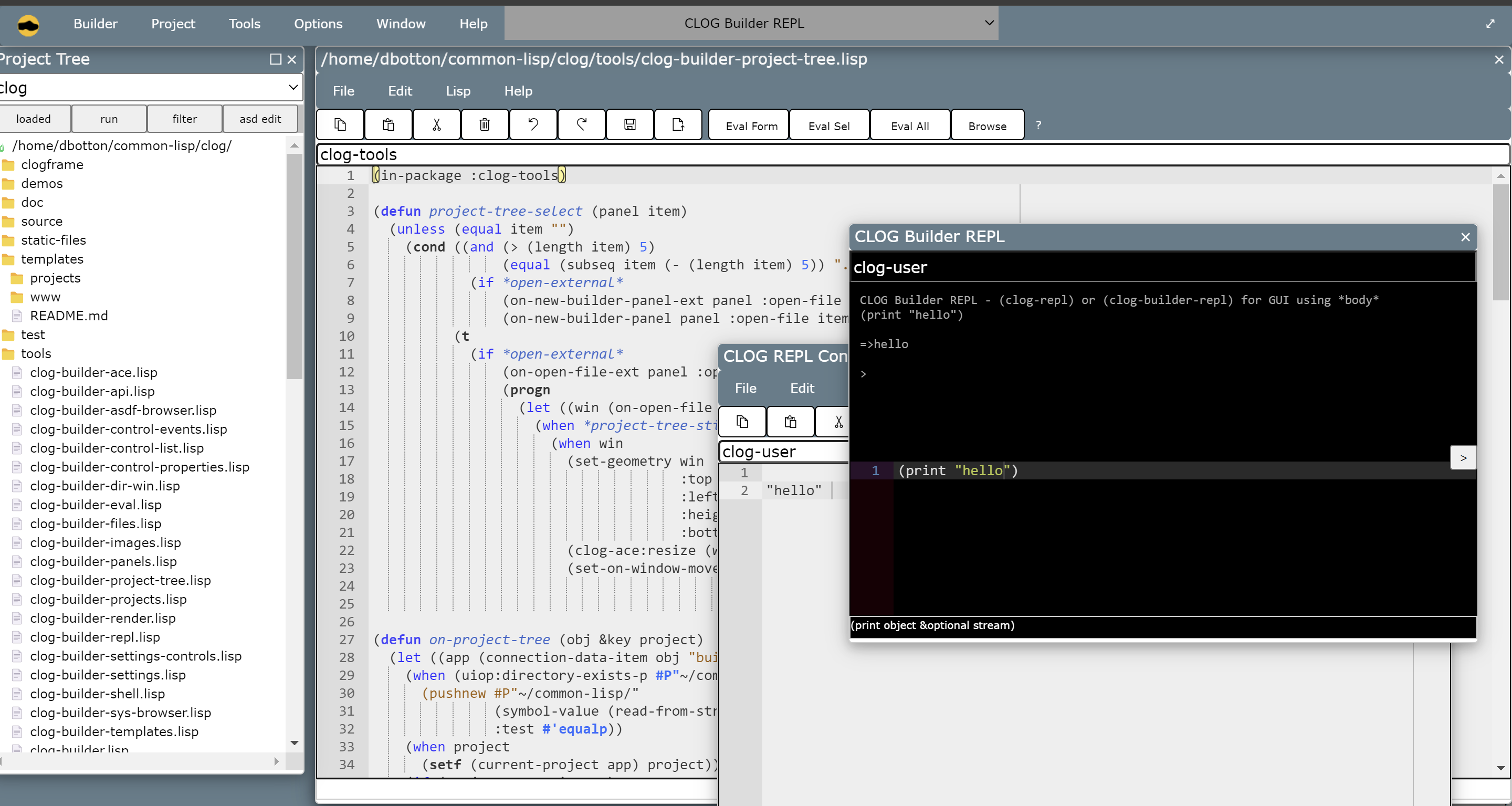
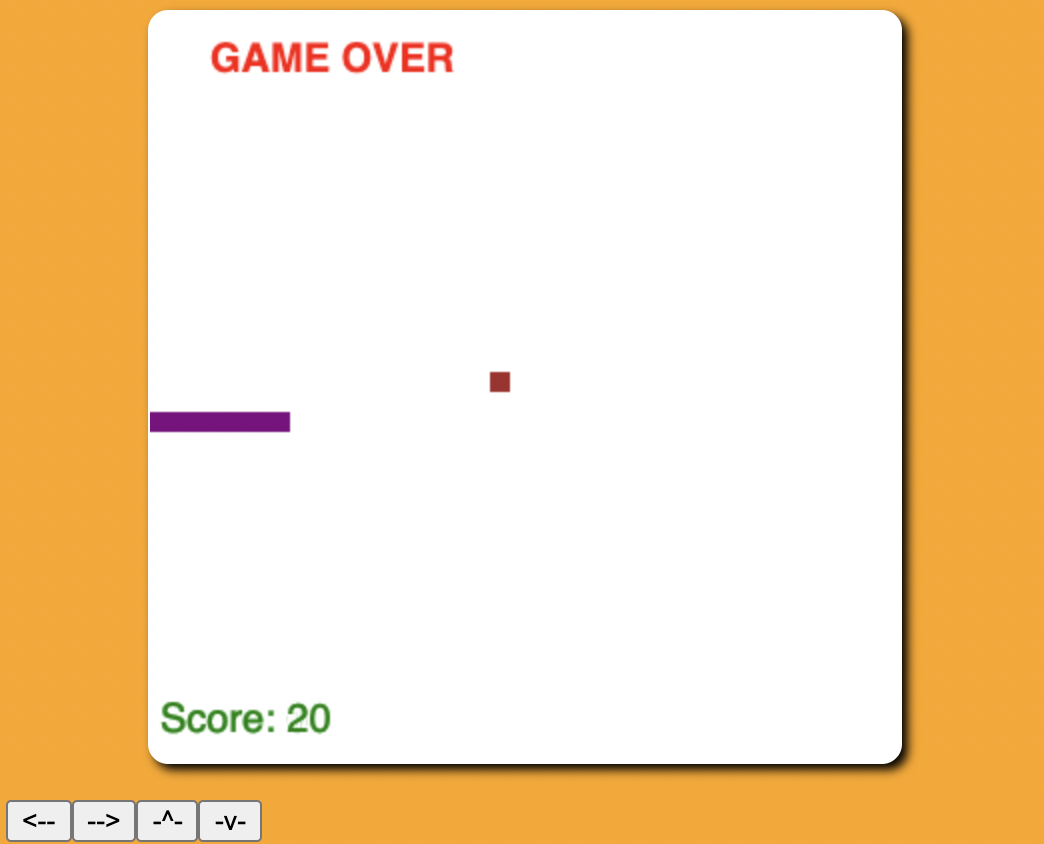
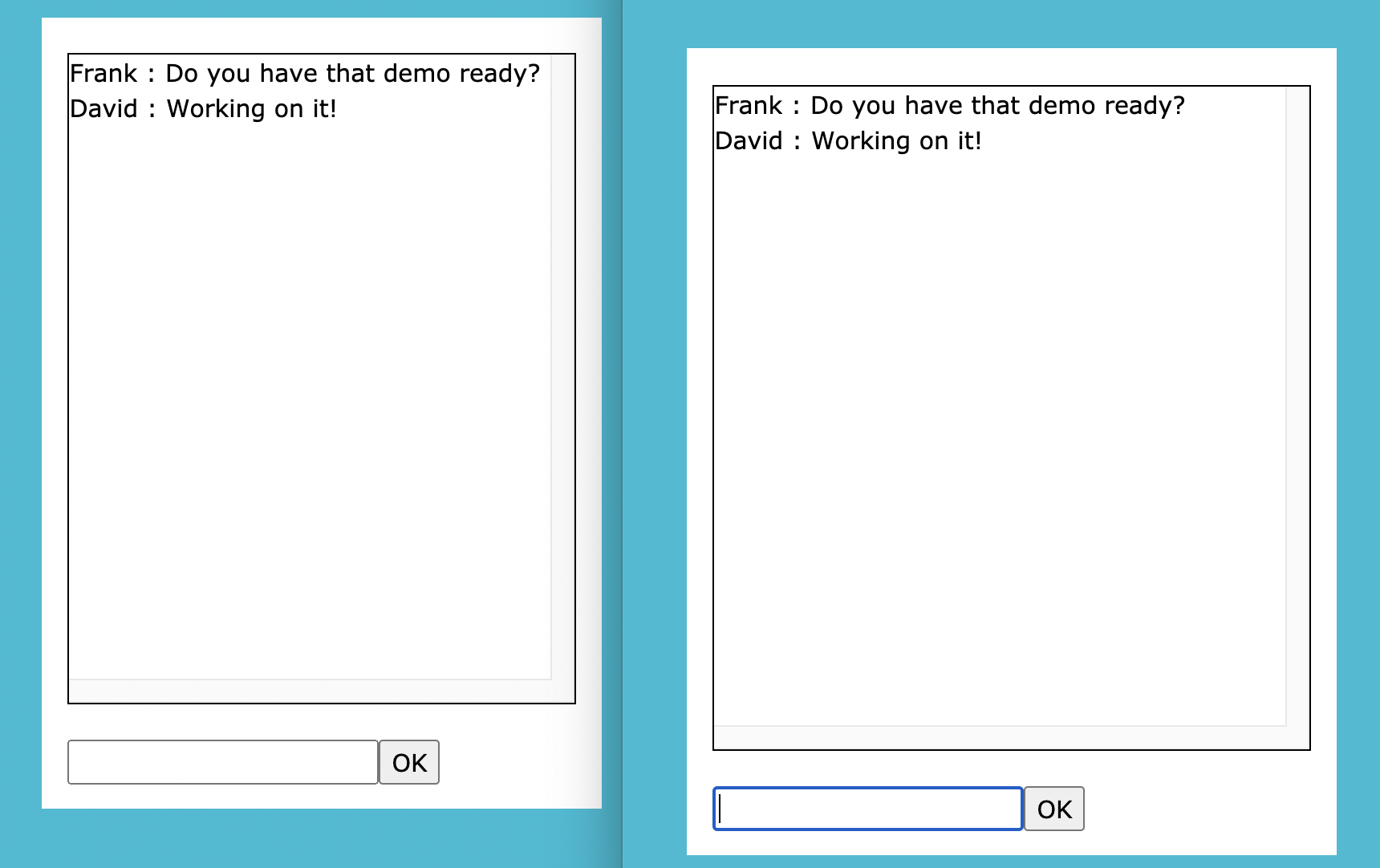
Work your way through the tutorials. You will see how quick and easy it is
|
|
to be a CLOGer.
|
|
|
|
|
|
|
|
|
|
|
|
|
|
|
|
|
|
|
|
|
|
Here is a very simple sample CLOG app (from Tutorial 1):
|
|
|
|
```lisp
|
|
(defpackage #:clog-user ; Setup a package for our work to exist in
|
|
(:use #:cl #:clog) ; Use the Common Lisp language and CLOG
|
|
(:export start-tutorial)) ; Export as public the start-tutorial function
|
|
|
|
(in-package :clog-user) ; Tell the "reader" we are in the clog-user package
|
|
|
|
|
|
;; Define our CLOG application
|
|
(defun on-new-window (body) ; Define the function called on-new-window
|
|
"On-new-window handler." ; Optional docstring to describe function
|
|
|
|
(let ((hello-element ; hello-element is a local variable that
|
|
; will be bound to our new CLOG-Element
|
|
|
|
;; This application simply creates a CLOG-Element as a child to the
|
|
;; CLOG-body object in the browser window.
|
|
|
|
;; A CLOG-Element represents a block of HTML (we will later see ways to
|
|
;; directly create buttons and all sorts of HTML elements in more
|
|
;; lisp-like ways with no knowledge of HTML or JavaScript.
|
|
(create-child body "<h1>Hello World! (click me!)</h1>")))
|
|
|
|
(set-on-click hello-element ; Now we set a function to handle clicks
|
|
(lambda (obj) ; In this case we use an anonymous function
|
|
(setf (color hello-element) "green"))))))
|
|
|
|
;; To see all the events one can set and the many properties and styles that
|
|
;; exist, refer to the CLOG manual or the file clog-element.lisp
|
|
|
|
|
|
(defun start-tutorial () ; Define the function called start-tutorial
|
|
"Start tutorial." ; Optional docstring to describe function
|
|
|
|
;; Initialize the CLOG system
|
|
(initialize #'on-new-window)
|
|
;; Set the function on-new-window to execute
|
|
;; every time a browser connection to our app.
|
|
;; #' tells Common Lisp to pass the function
|
|
;; to intialize and not to execute it.
|
|
|
|
|
|
;; Open a browser to http://12.0.0.1:8080 - the default for CLOG apps
|
|
(open-browser))
|
|
```
|
|
|
|
Other samples of CLOG on the web:
|
|
|
|
- [Moldable Inspectors](https://codeberg.org/khinsen/clog-moldable-inspector)
|
|
- [CLOG + cl-collider](https://github.com/byulparan/clog-collider-experience)
|
|
- [CLOG on iOS and Android](https://www.reddit.com/r/lisp/comments/tl46of/would_it_be_cool_to_run_a_clog_app_on_mobile_you/)
|
|
- [Learn CLOG Dashboard](https://gist.github.com/mmontone/3a5a8a57675750e99ffb7fa64f40bc39#file-clog-learn-lisp)
|
|
- [CLOGPower.com](http://clogpower.com)
|
|
|
|
Get started learning CLOG and the CLOG Builder with
|
|
* [Learn CLOG](LEARN.md)
|
|
|
|
Tool Summary
|
|
|
|
- clog-builder - Rapid visual interactive development for Web and GUIs
|
|
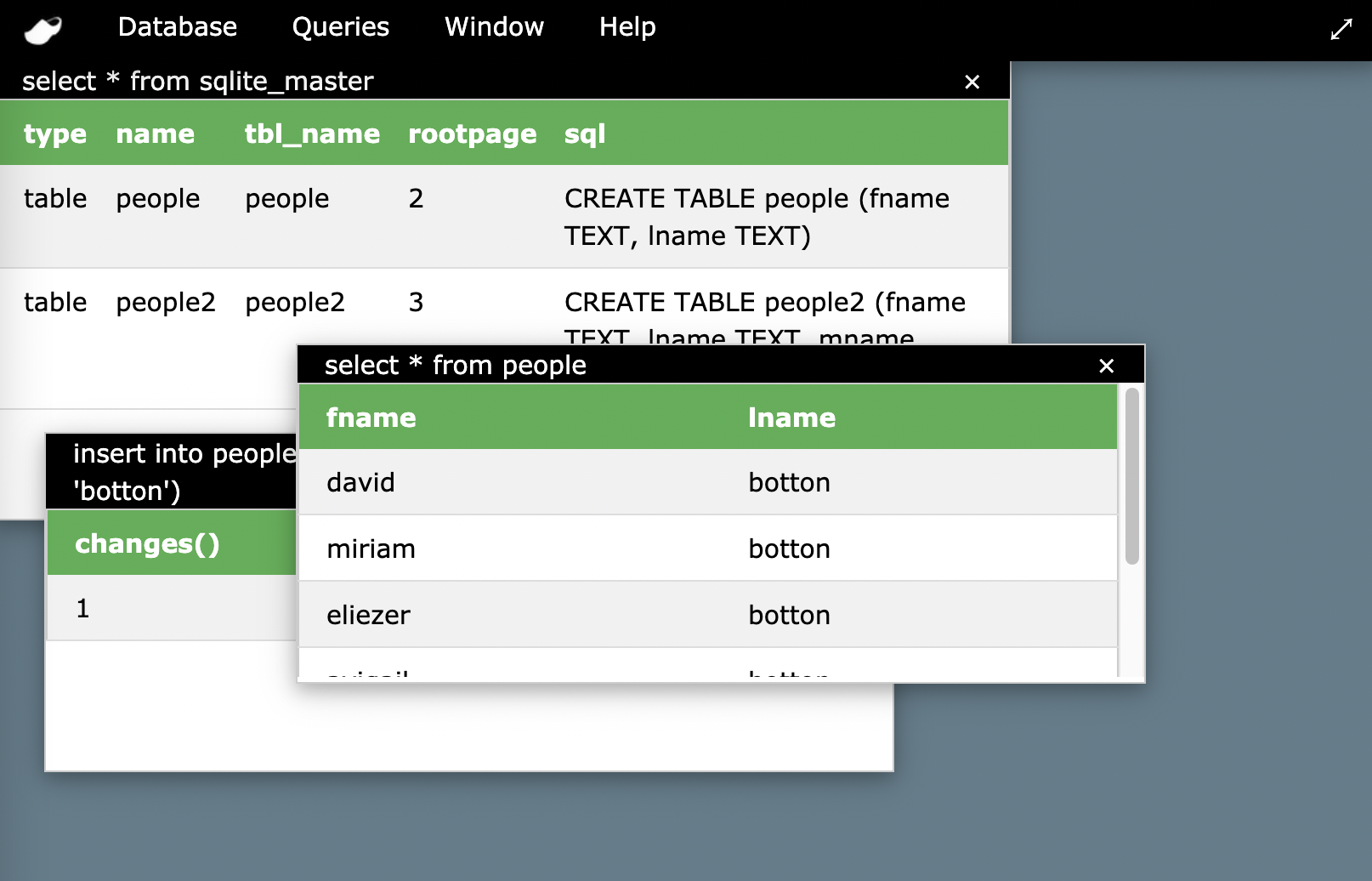
- clog-db-admin - SQLite3 admin tool
|
|
|
|
High Order Extensions to CLOG
|
|
|
|
- clog-gui - Desktop over the web
|
|
- Menus
|
|
- Windowing system
|
|
- Modal windows, Keep-on-top windows
|
|
- File Load / Save dialogs
|
|
- Alert, Input and Confirmation dialogs
|
|
- Form dialogs
|
|
|
|
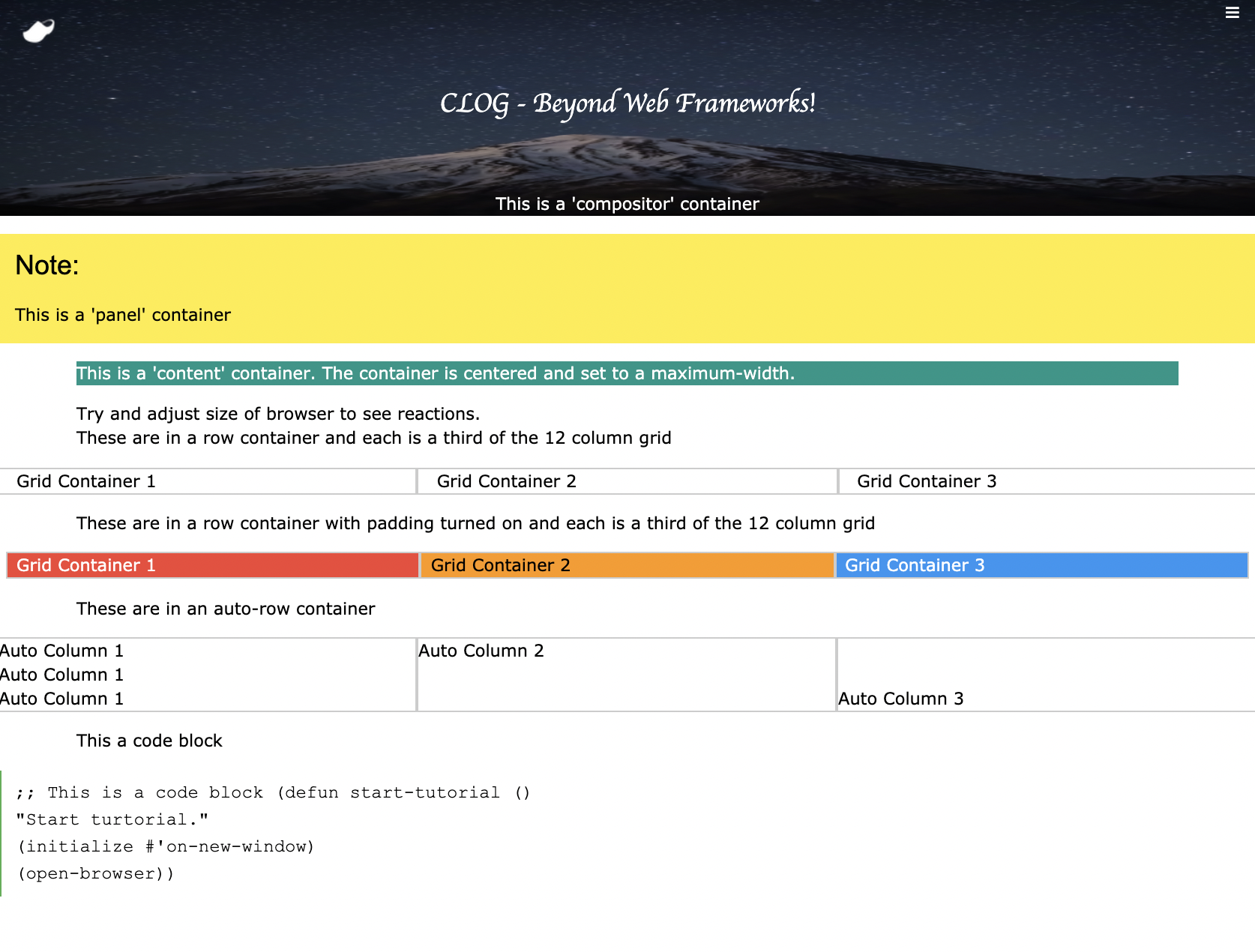
- clog-web - Webpage creation
|
|
- Auto column layouts
|
|
- 12 Point Grid System layouts
|
|
- Content containers
|
|
- Panels
|
|
- Sidebar menus
|
|
- Compositor containers
|
|
- Menus
|
|
- Alerts
|
|
|
|
- clog-web-site - Instant themed websites with plugins:
|
|
- clog-web-page - create a theme based page
|
|
- clog-web-dbi - database driven websites (uses clog-auth)
|
|
- clog-web-forms - Instant web forms
|
|
- clog-web-themes - basic themes for clog based websites
|
|
- clog-web-content - database driven content,tags, comments (in progress)
|
|
- clog-web-blog - instant blogs (in progress)
|
|
- clog-web-cart - instant shopping carts (future)
|
|
|
|
- clog-panels - Quick application layouts
|
|
|
|
- clog-tree - Collapsable tree control
|
|
|
|
- clog-presentations - bi-directional linking of Lisp Objects and CLOG
|
|
Objects
|
|
|
|
- clog-jquery - DOM queries
|
|
|
|
- clog-data - Move data to and from groups of controls
|
|
- SQL writer helpers for basic SQL
|
|
- CLOG-Database - Database control for CLOG Builder
|
|
- CLOG-One-Row - One row at a time table access auto
|
|
binds to controls in CLOG Builder
|
|
- CLOG-Lookup - Version of the select control (dropdown and listbox)
|
|
that are database connected
|
|
- CLOG-DB-Table - Version of html table that are database connected
|
|
|
|
- clog-auth - Authentication and authorization framework
|
|
|
|
- clog-plugin - Custom Control Plug-in template for Builder and CLOG
|